By Beyond Engineering NL
Software, beyond the drawing board.
Web products, Autodesk Inventor add-ins and a 3D sales configurator, designed and built in-house.
Web products, Autodesk Inventor add-ins and a 3D sales configurator, designed and built in-house.
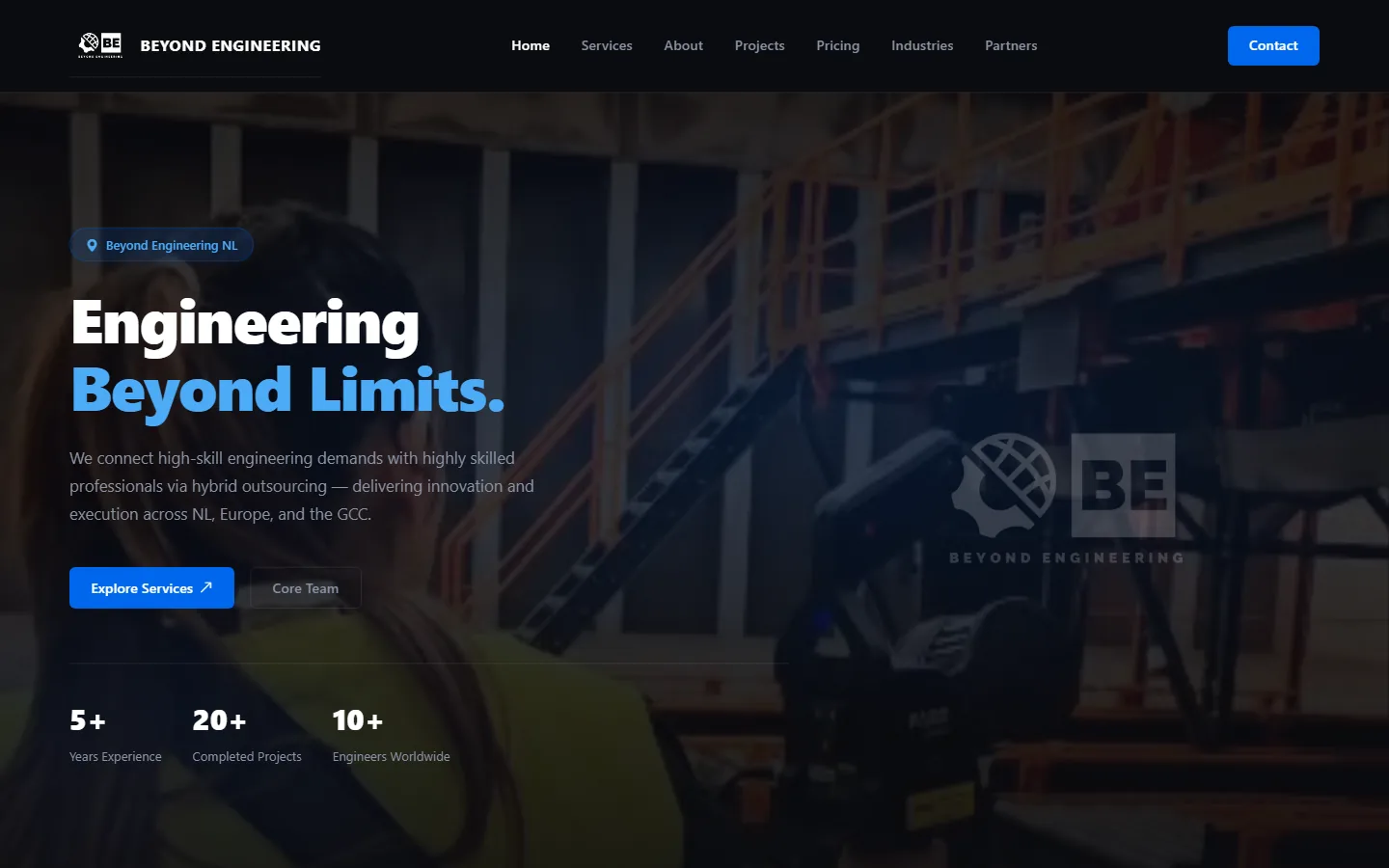
Beyond Engineering NL delivers mechanical, mechatronics and automation engineering through hybrid outsourcing, for clients in the Netherlands, Europe and the GCC.
Labs is the same team pointed at its own ideas. Every product here started as something we needed ourselves.
Each one is a complete product, live today and run by us.
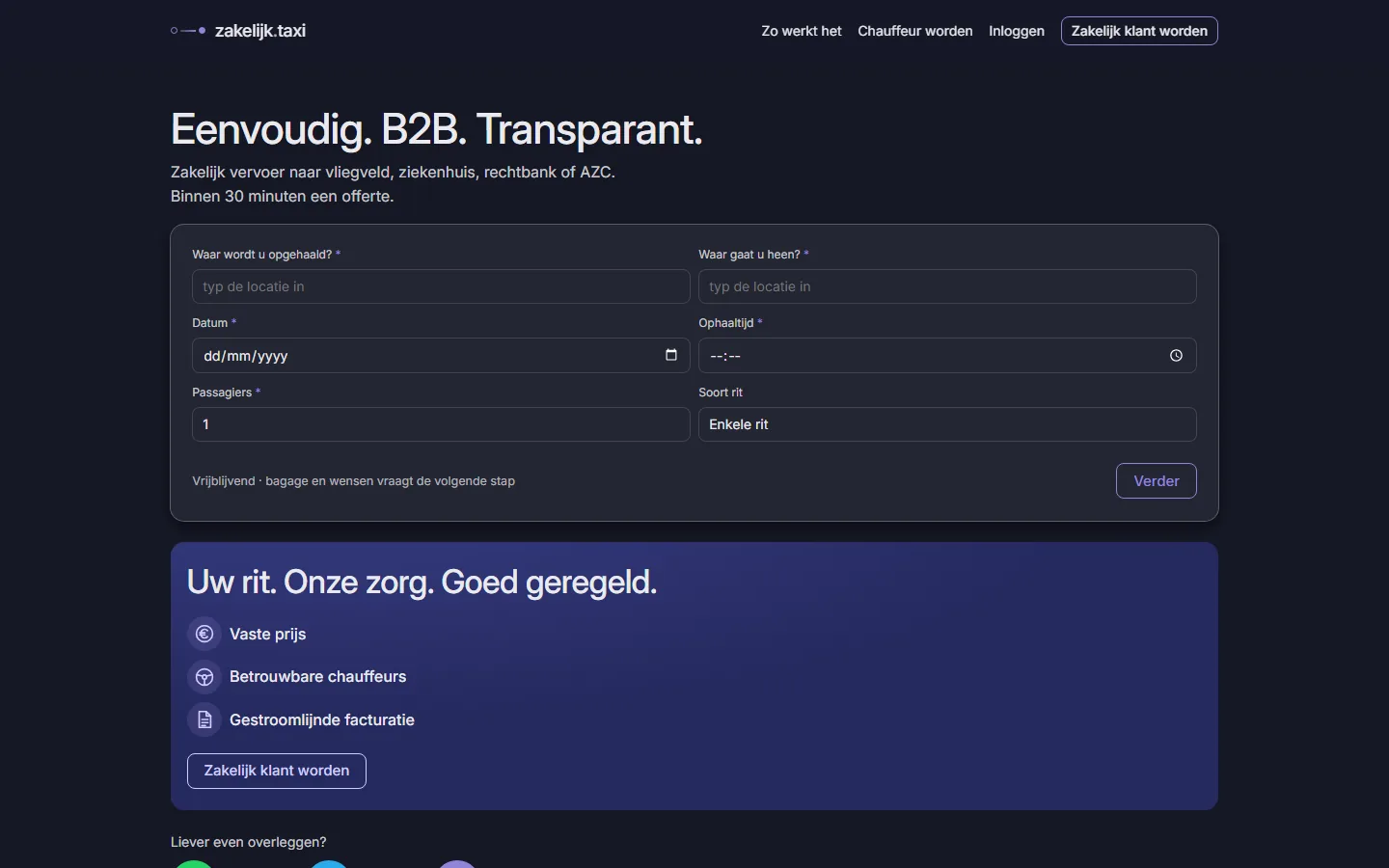
A company submits a ride, receives a fixed-price offerte within 30 minutes and accepts it with one click. Vetted drivers take the job, and the invoice is generated automatically when the ride is done.
For the client
For the driver
For the planner
Three short films of the real site. Tap to play.
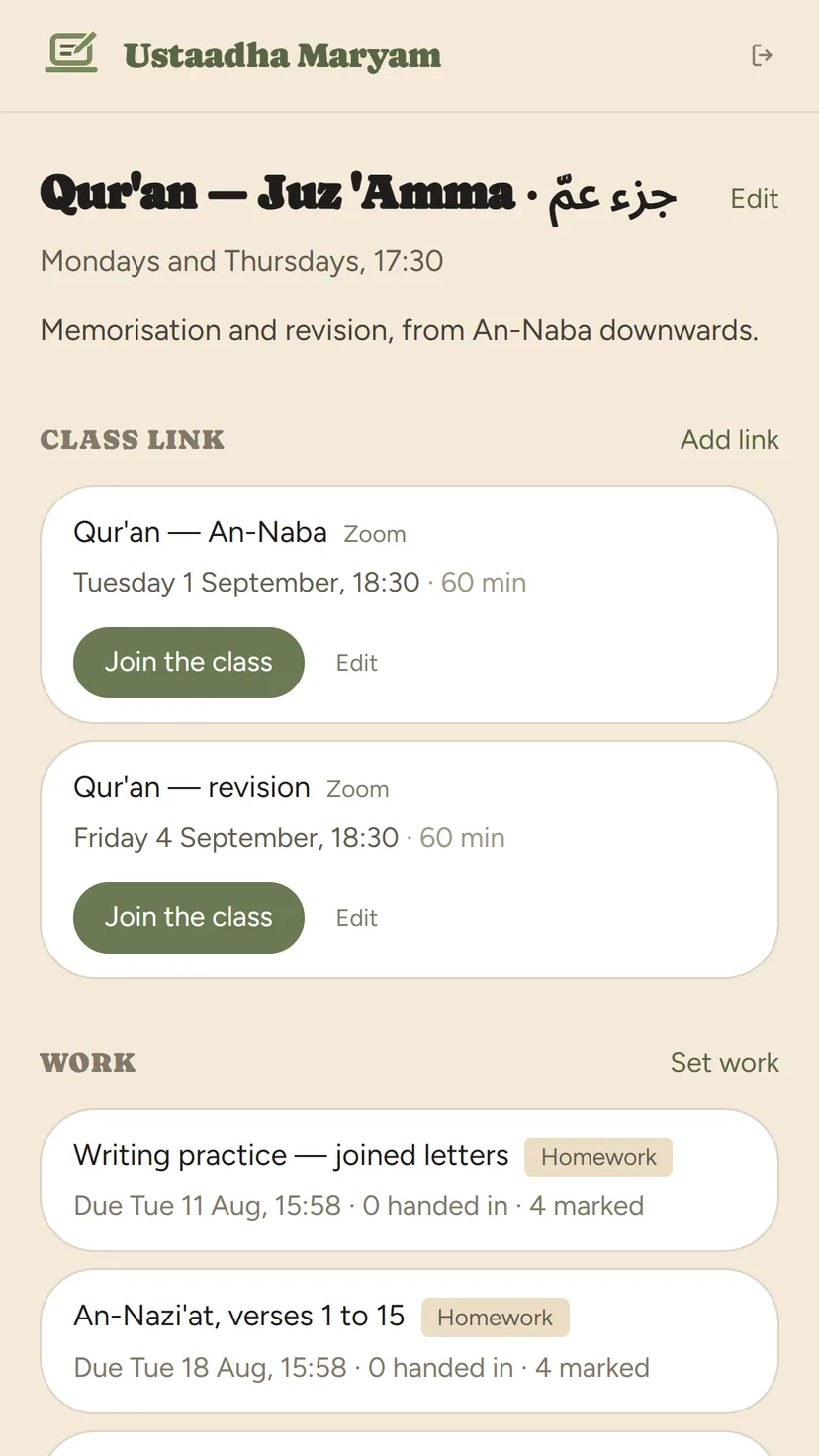
One link instead of a group chat: a page with your name and price on it, classes with a feed, homework marked on one screen, and a QR card for parents.
Overview
The tour
Worth it

Tutor home
Class feed
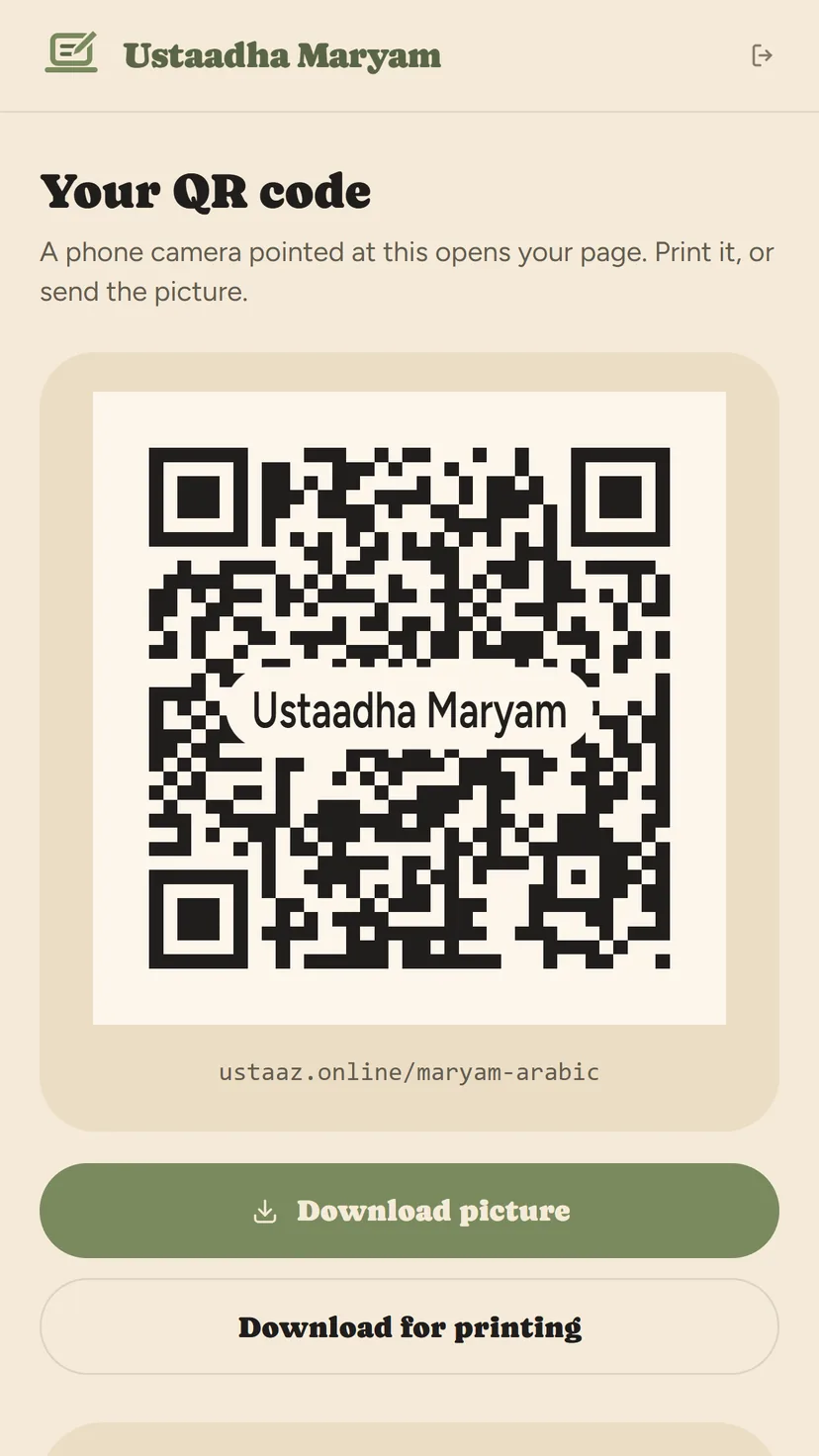
The QR card
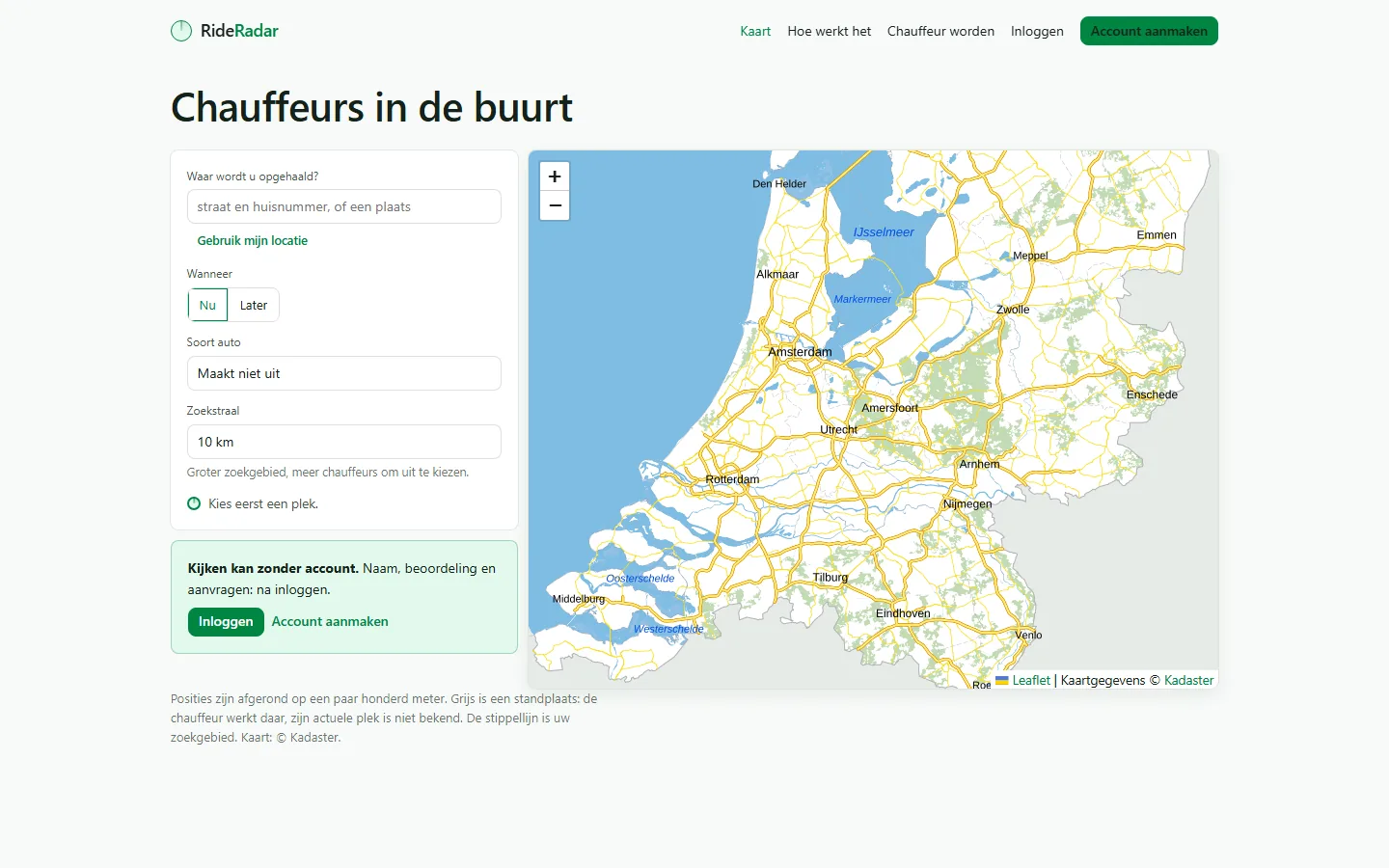
Riders see vetted drivers nearby, pick one themselves and send a request to that driver only. The driver accepts, declines or makes one counter-offer. No dispatcher, no commission, and the platform never touches the fare.
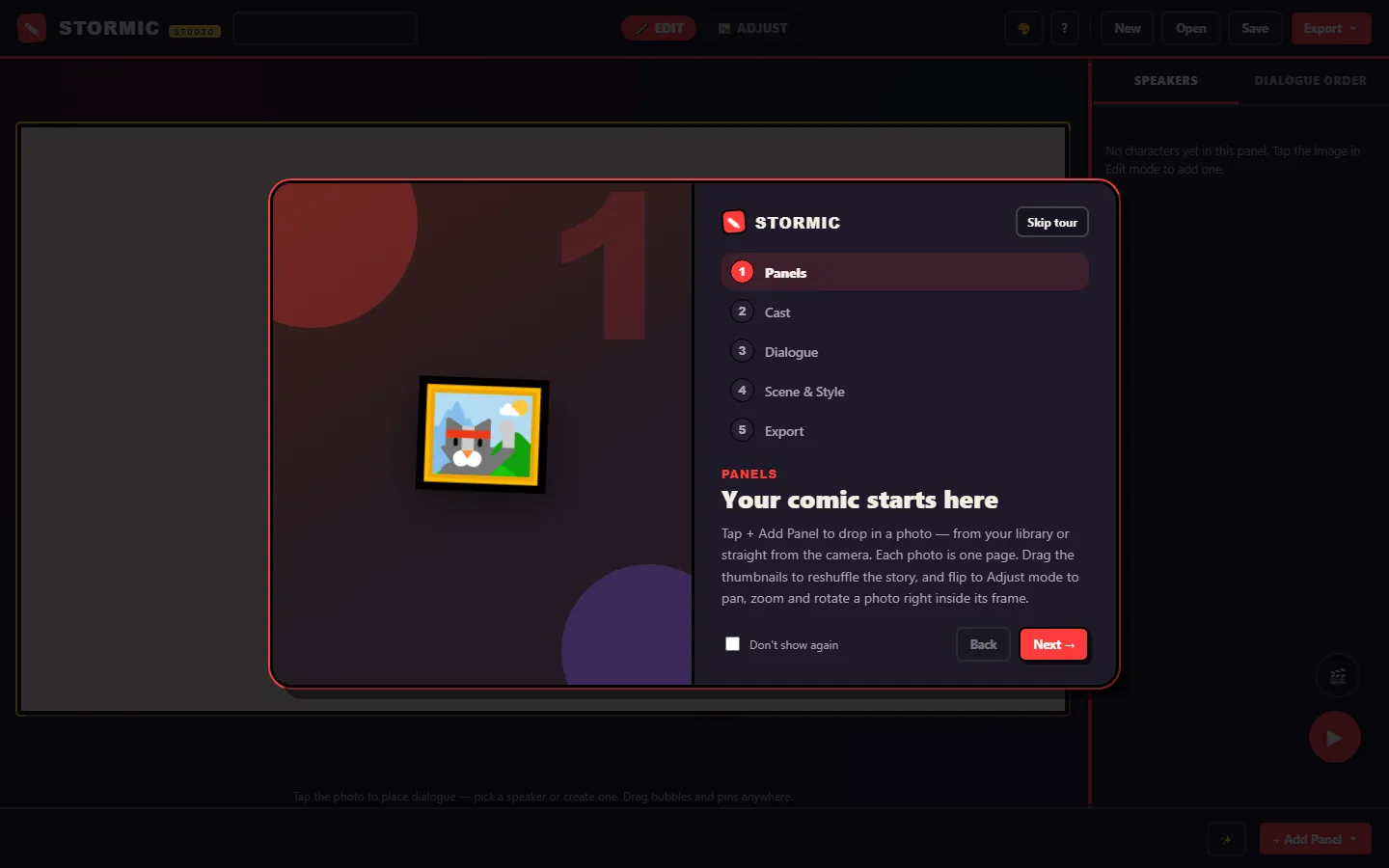
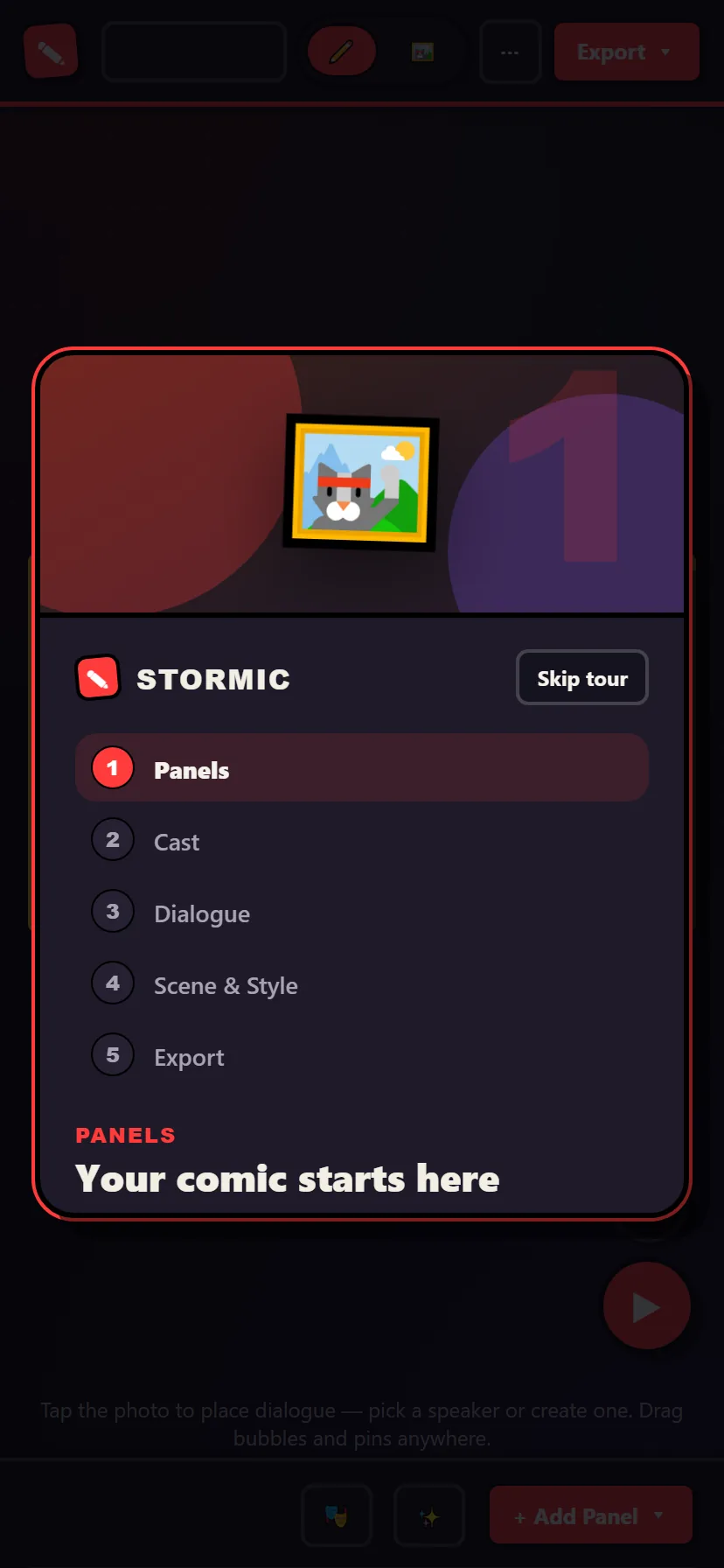
Drop in photos, tap to place speech bubbles, give each character a voice, and export a comic page or a cinematic video with camera moves. Everything stays on your own device.
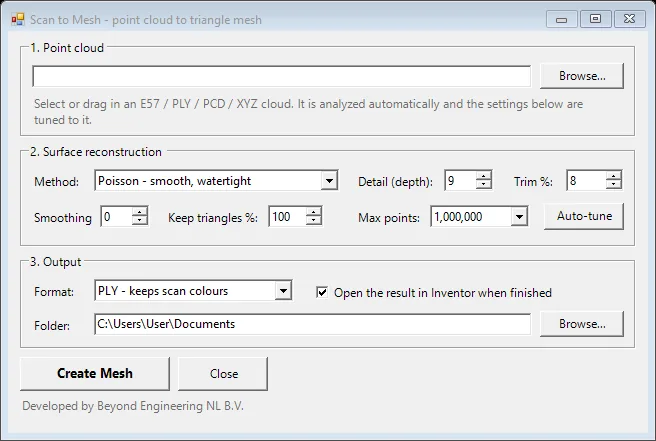
Point clouds, photogrammetry, phone scans and AI image tools inside Autodesk Inventor. Nothing leaves your PC.

Measures the cloud and tunes the reconstruction to it. A second command, Capture Location, builds a coloured site model of any place on Earth from its coordinates.

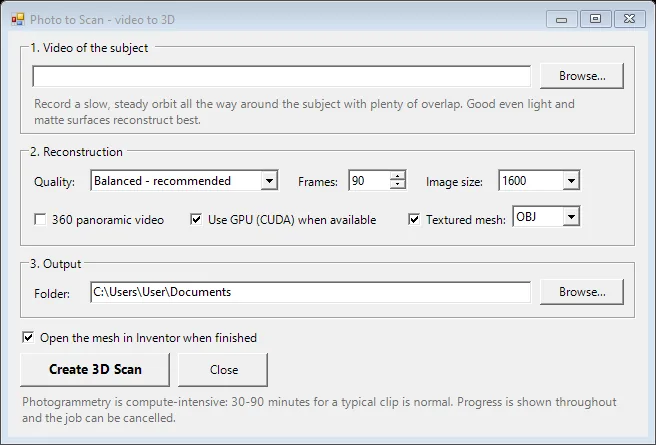
Photogrammetry inside Inventor, on your own hardware. Objects, machines and sites become reference geometry in a part.

Capture on the phone, reconstruct on the PC. The capture page says honestly what each phone can measure, and the reconstruction lands at true scale.

No account and nothing uploaded. The capture leaves the phone only when you save it.
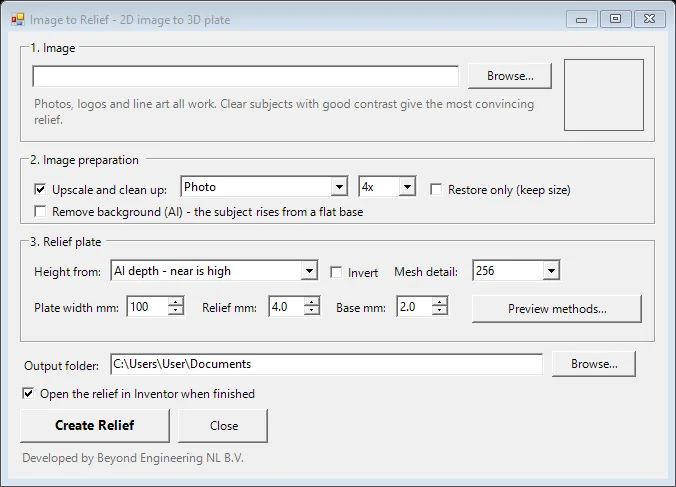
AI clean-up and depth, then a watertight plate at the size you specify: name plates, logo panels, lithophanes. Terrain Map turns a real landscape into a true-scale relief.

Structure, floor, walls, roof, clutter and stairs, sorted automatically. Turn the crates and the roof off and model against the frame of the building.
Scan a plant room, keep the structure, and model the new pipework against real geometry.
Orbit a part with a phone and have a reference mesh in Inventor the same afternoon.
Type a coordinate and get the surroundings of a site as a coloured model, before any survey.
Logos into name plates, photos into lithophanes, a mountain into a terrain plate.
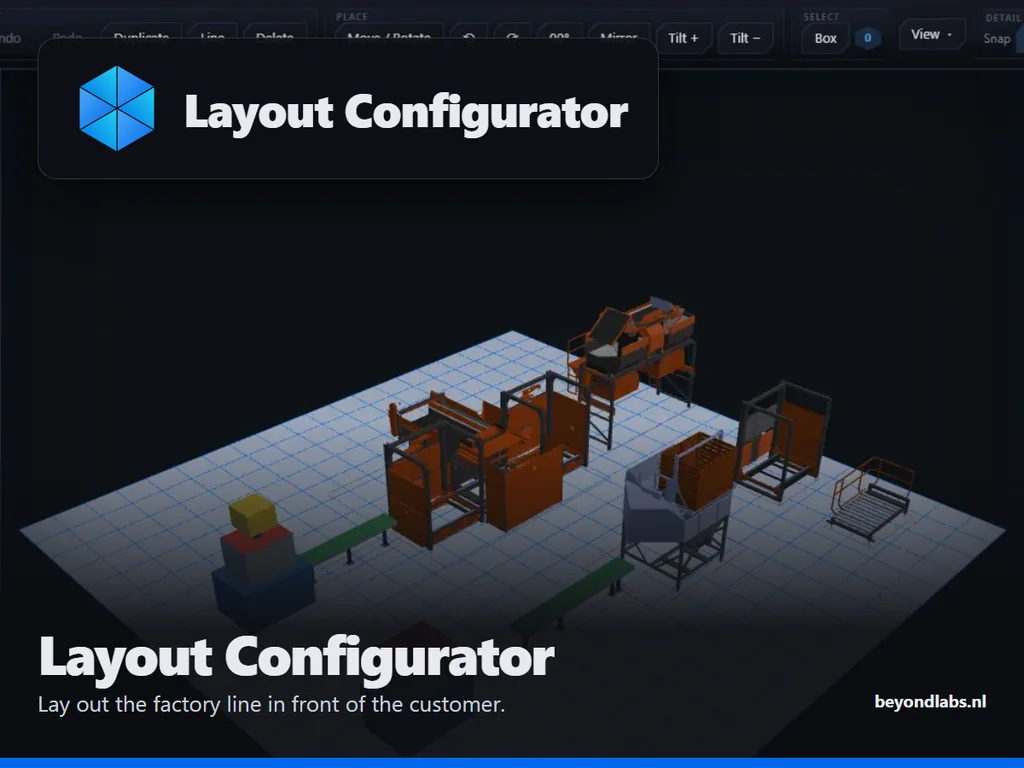
A browser-based 3D sandbox for machine sales. Place machines, chain conveyors and attach options live in a meeting, inside the customer's own scanned hall, and hand engineering a real CAD assembly back.
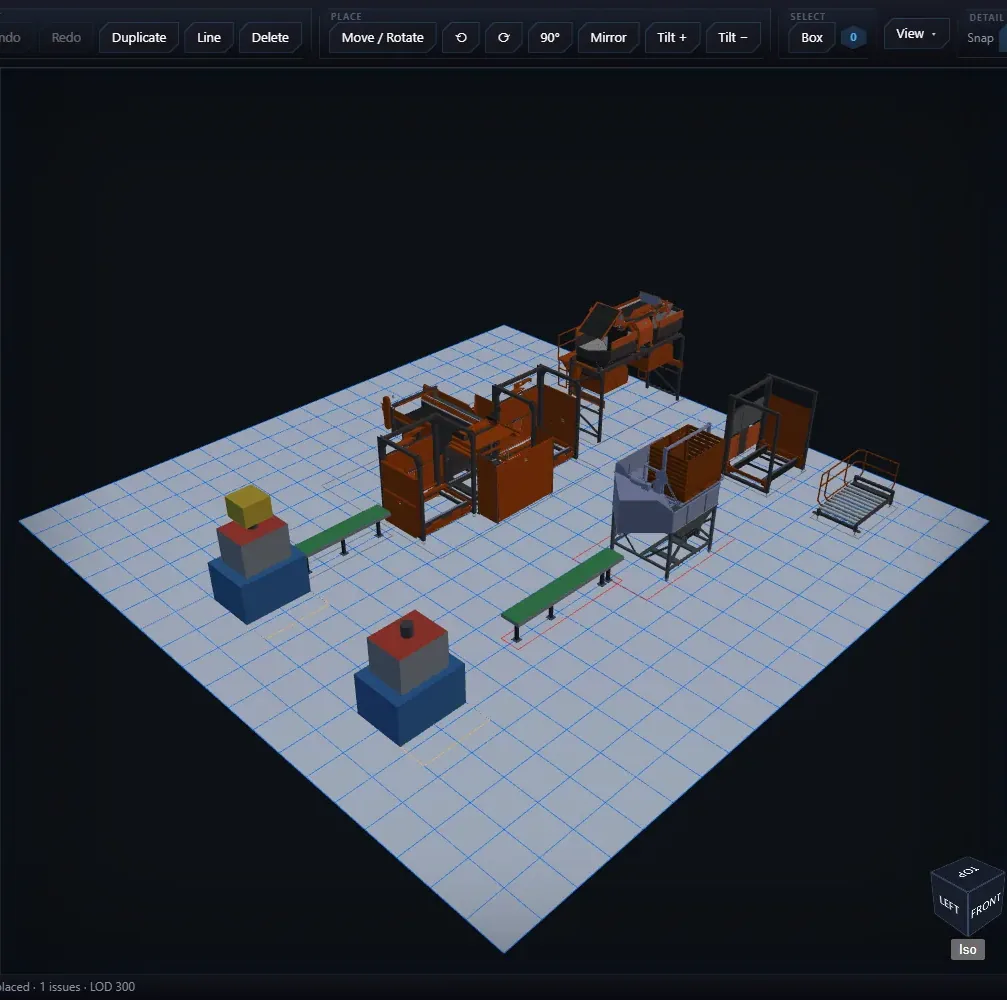
Click a catalog entry, drop it, drag it: it snaps to the grid and to connectors. Chain conveyors, stretch a kit, mirror a machine, attach an option to its socket. Overlaps and clearance problems light up as you go.
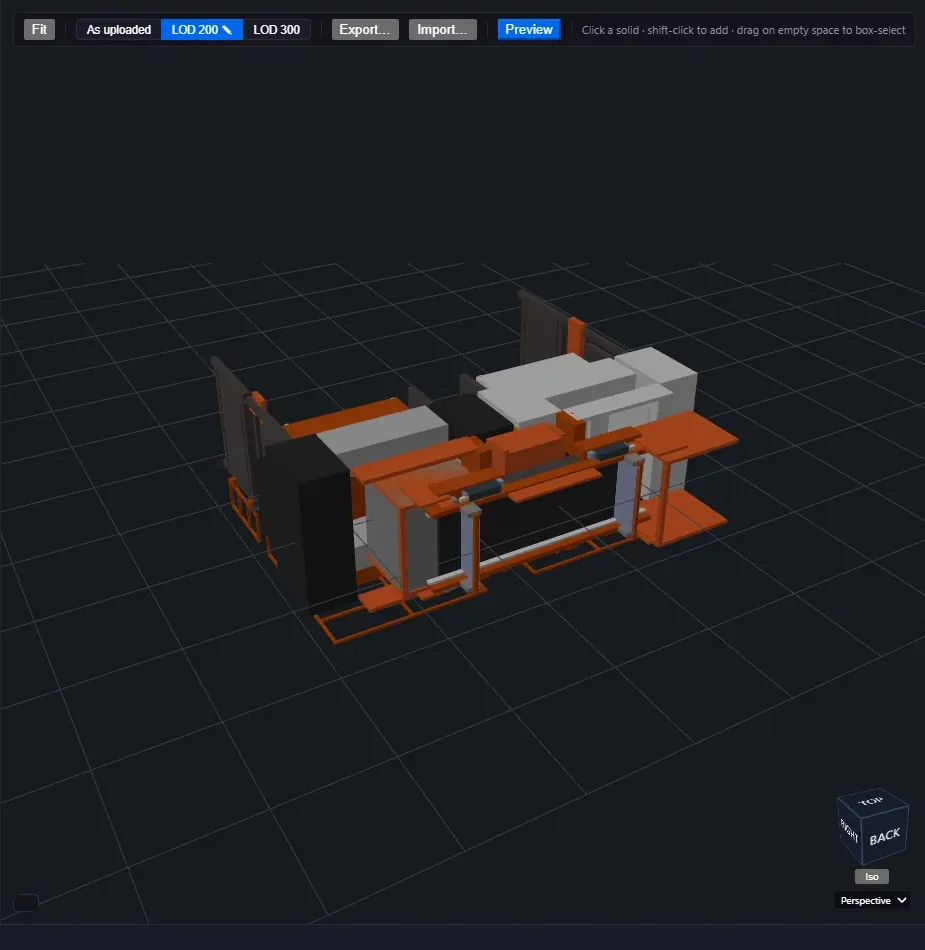
Drop the full engineering model in the browser, set the rules, and the bench simplifies it to a sales model automatically. Then click the connectors on and commit it to the catalog.
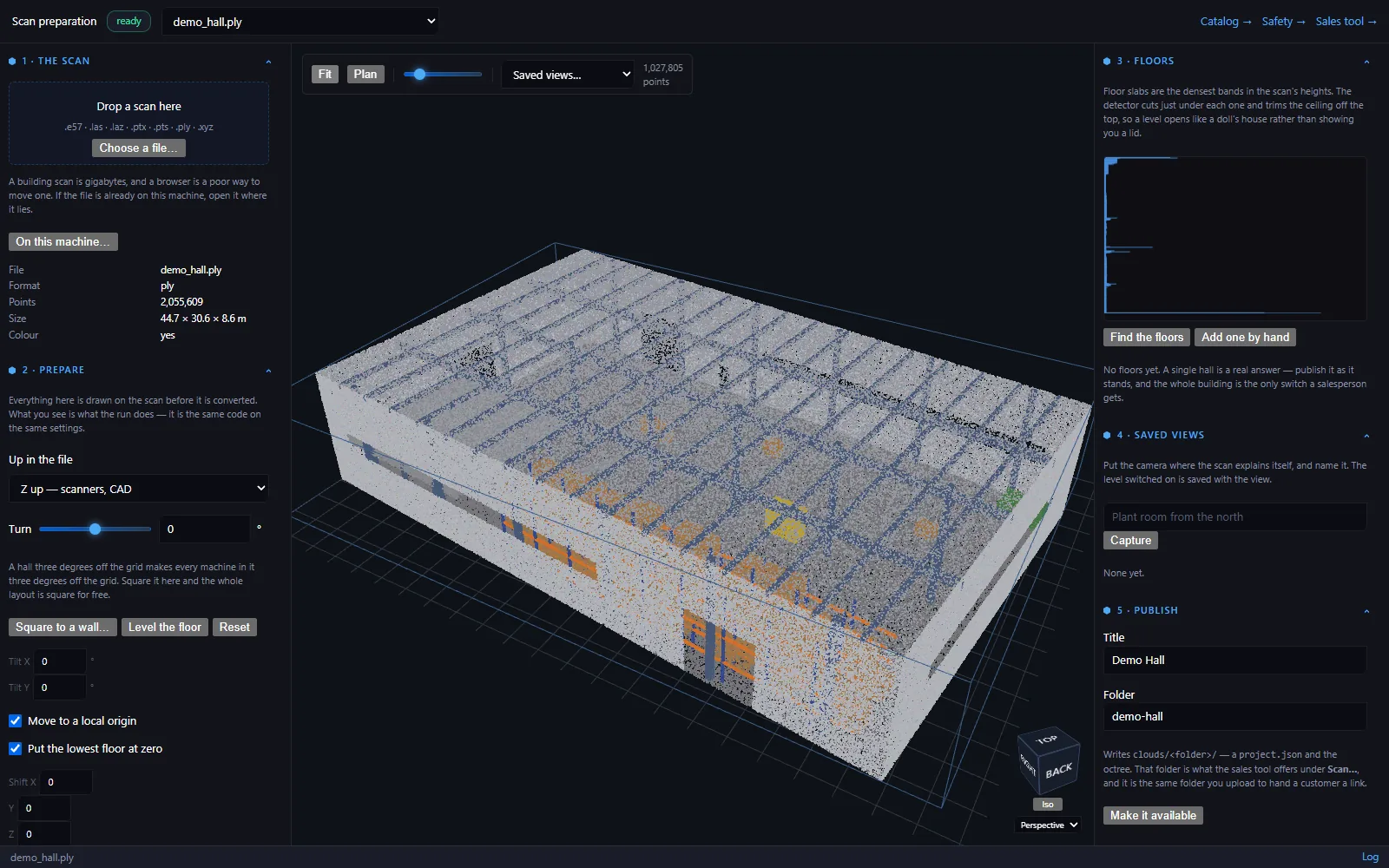
A laser scan of the customer's building is prepared once and then loaded as a point cloud, so the layout is configured inside the real hall: sight lines, the low beam, the column that is not on the drawing.
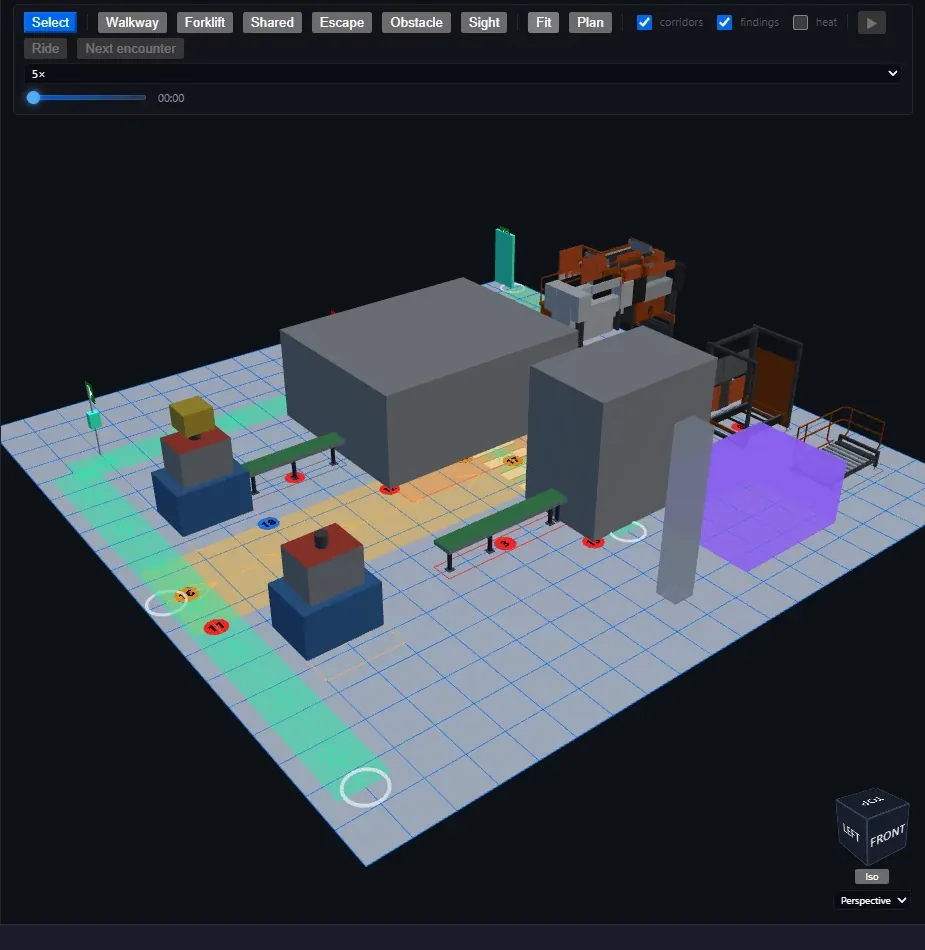
Takes a finished layout and asks what it is like to work in. Draw walkways, forklift corridors and escape routes; a rules engine raises findings with a risk score and a proposed measure, and a traffic simulation counts where people and trucks meet.
Three tiers per machine, chosen automatically by zoom.
Trace the customer's drawing under the layout and drop in logos or site photos.
Composed per quotation, with the columns you need, as a spreadsheet or a PDF.
Preset fly-throughs, or record your own to a video file.
A 3Dconnexion controller flies the camera with no driver to install.
The exported assembly keeps part names, so engineering can swap in the full models.
Every product here began as a specific problem. Tell us yours.